🏛️ Harsha Institutions — Official Android App

Harsha
Institutions
Mobile App
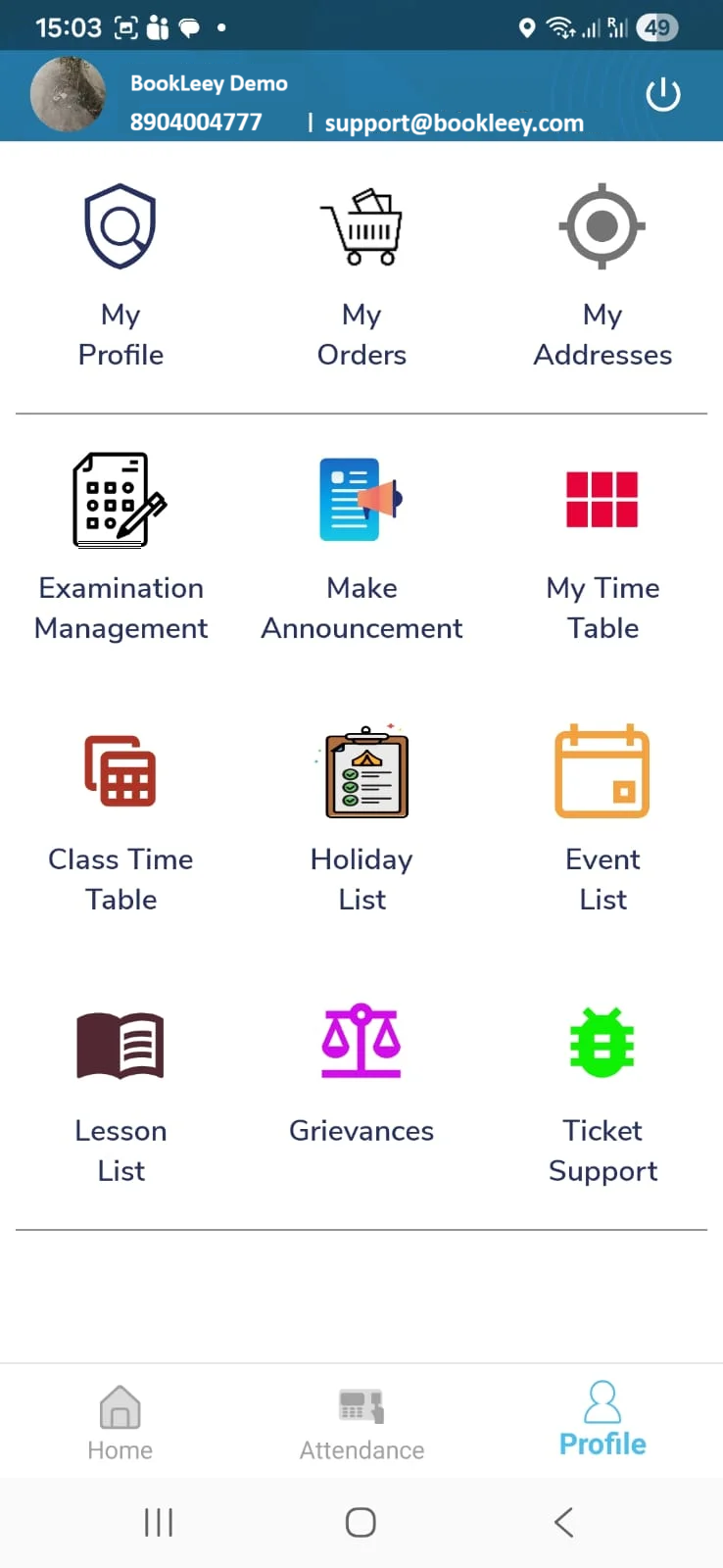
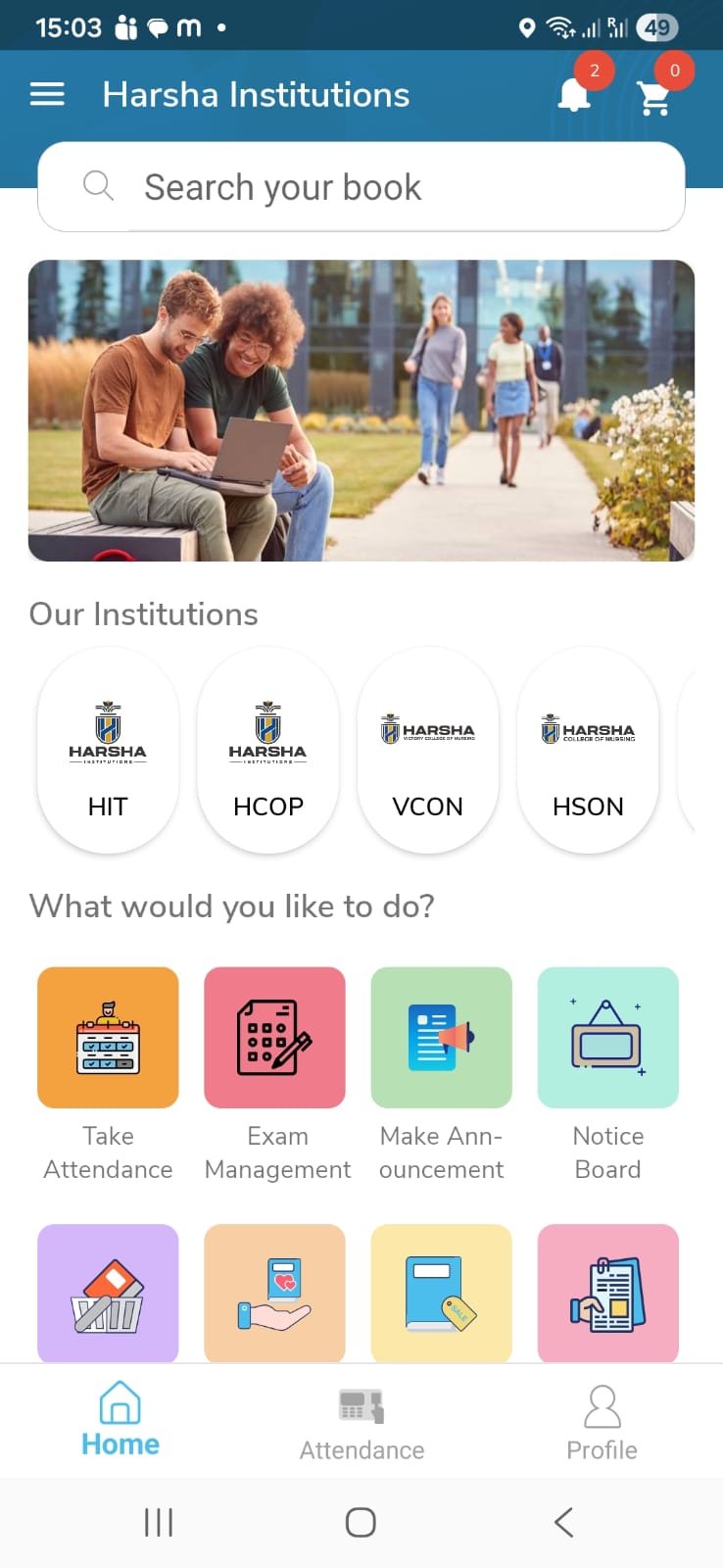
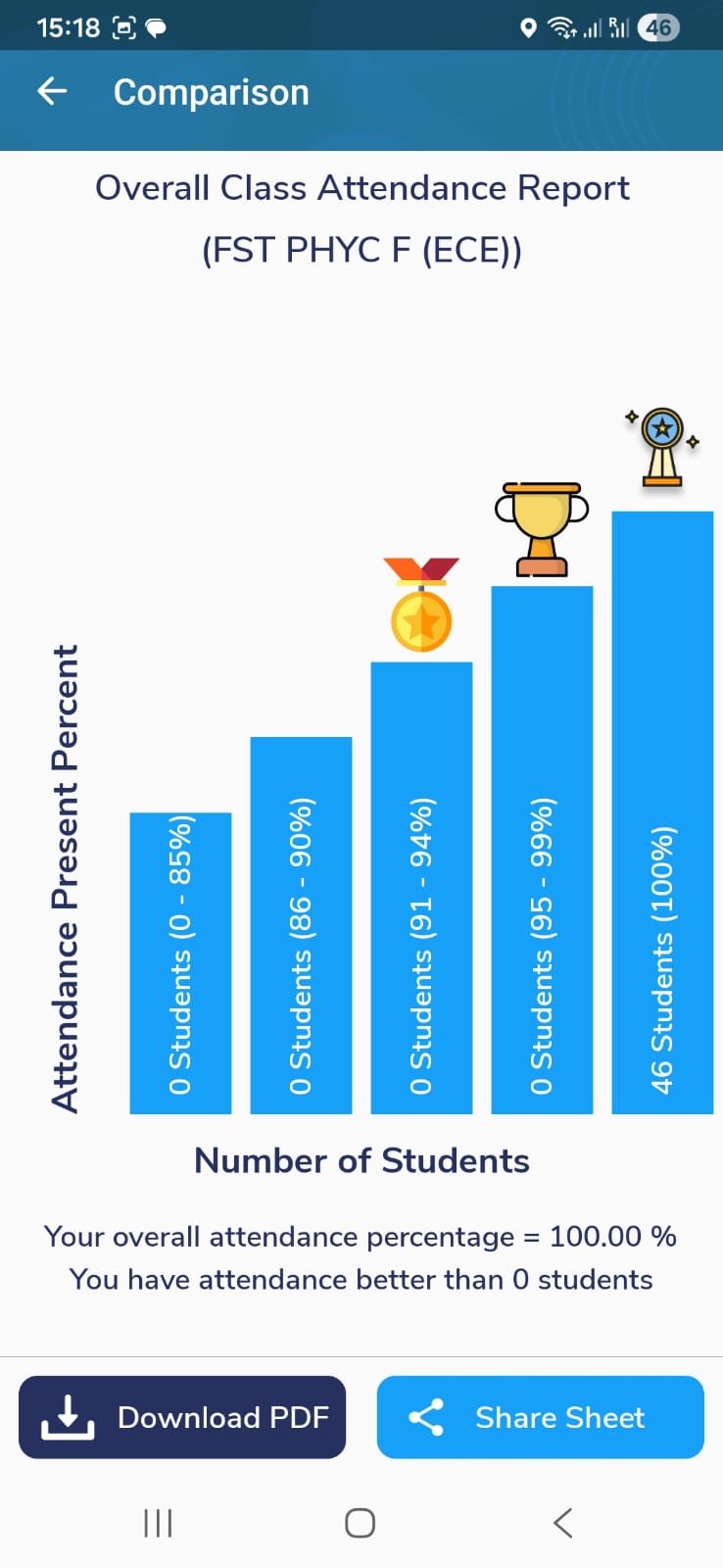
The official mobile companion for Harsha Institutions Faculty,Students & Parents. Access schedules, materials, campus notices & more — all in one place.
⭐ 3.8 / 5.0
📥 2142 Downloads
✅ Verified Safe
App Size
18 MB
Android Required
Android 8.0+
Current Version
v1.0.0
Last Updated
Feb 19, 2026
Total Downloads
0
Users already onboarded at Harsha Institutions
3.8★
Avg Rating
59
Reviews
Ratings & Feedback
How To Install
7 Steps1
Click the Download APK Button
Tap the orange "Download APK — Free" button on this page. You'll be asked to verify your mobile number first.
2
Enter Your Mobile Number
Type your registered mobile number. An OTP will be sent via SMS to verify your identity before the download begins.
3
Verify OTP & Download Starts
Enter the 6-digit OTP received on your mobile. Once verified, the APK file will automatically start downloading.
4
Open the Downloaded APK File
Go to your phone's Downloads folder or notification bar and tap the downloaded APK file to begin installation.
5
⚠️ Important Step
Enable "Install Unknown Apps" Setting
Because this app is not from the Play Store yet, Android will ask you to allow installation from unknown sources. This is completely safe — the app is officially provided by BookLeey.
A
Android 8.0 & above: A popup will appear asking "Allow from this source" — tap Settings, then toggle Allow from this source ON, then press back to continue installation.
B
Android 7 & below: Go to Settings → Security → Unknown Sources and toggle it ON before installing.
C
After installation is complete, you can turn this setting back off for security.
6
Tap "Install" to Complete
Once the settings are done, tap the Install button on the installation screen. Wait a few seconds for it to complete.
7
App Installed — Open & Login!
Tap "Open" or find the app icon on your home screen. Login with your Harsha Institutions credentials and you're all set!
Frequently Asked Questions
Why is the app not available on Google Play Store?▾
The app is currently under review by Google Play Store — this process can take 10–15 days. This APK is the official version directly from BookLeey and is completely safe to install. Once the Play Store listing goes live, you'll be notified to switch over for automatic updates.
Is it safe to install an APK from outside the Play Store?▾
Yes. This APK is the official build provided directly by BookLeey for Harsha Institutions. You need to verify your mobile number via OTP before downloading, which ensures only authorized students can access it. The file is scanned and safe.
What if the installation fails or is blocked?▾
Make sure you've enabled "Install from Unknown Sources" in your Android settings (Step 5 above). If it still fails, try restarting your phone and opening the APK again. For persistent issues, contact support at support@bookleey.com.
Will I get app updates automatically?▾
Not automatically for this APK version. Once the app is available on Google Play Store, you should uninstall this version and install from Play Store to receive automatic updates. We'll send a notification when Play Store goes live.
Who do I contact for support?▾
For any issues with the app or installation, please email us at support@bookleey.com. You can also reach out to your institution's IT coordinator for campus-specific assistance.
How do I uninstall the app?▾
Long press the app icon on your home screen → tap "Uninstall", or go to Settings → Apps → Find the app → Tap Uninstall. You can always re-download from this page using your mobile number OTP.
